Alternate letters: instructions
The first 9 steps are the same as in other instructions for adding fonts (Font Creation Using a Template)
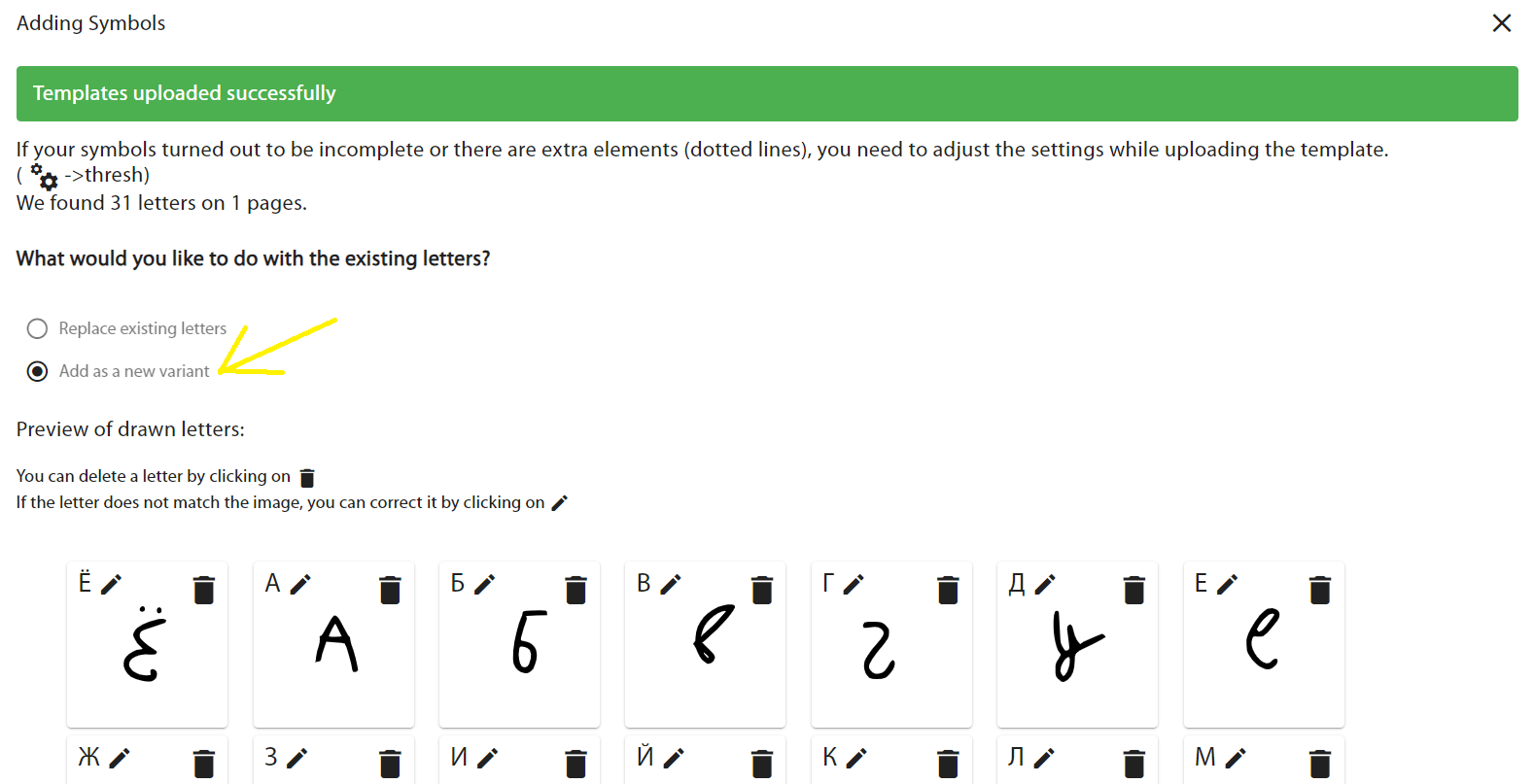
Scan as many templates as possible with different letterforms and set "Add as New Letters"
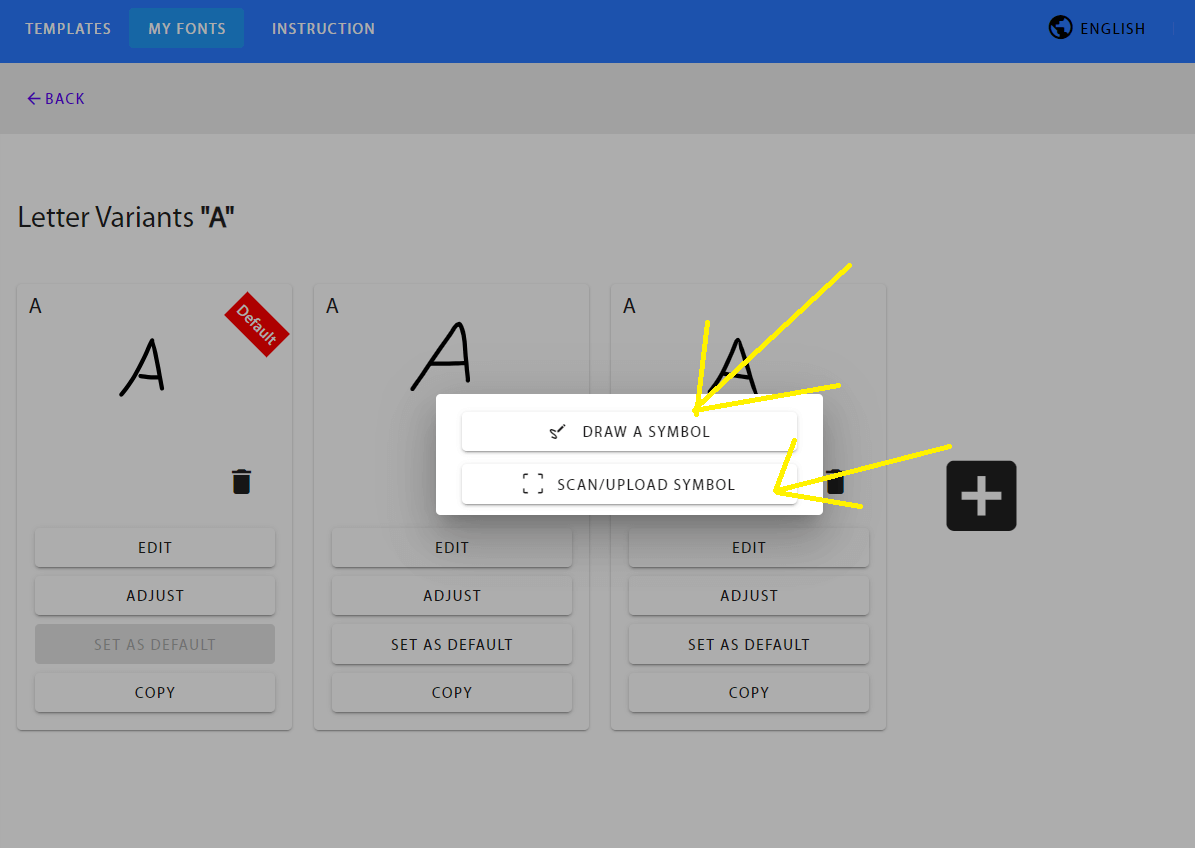
Alternatively, add them through the editor or scan one character at a time
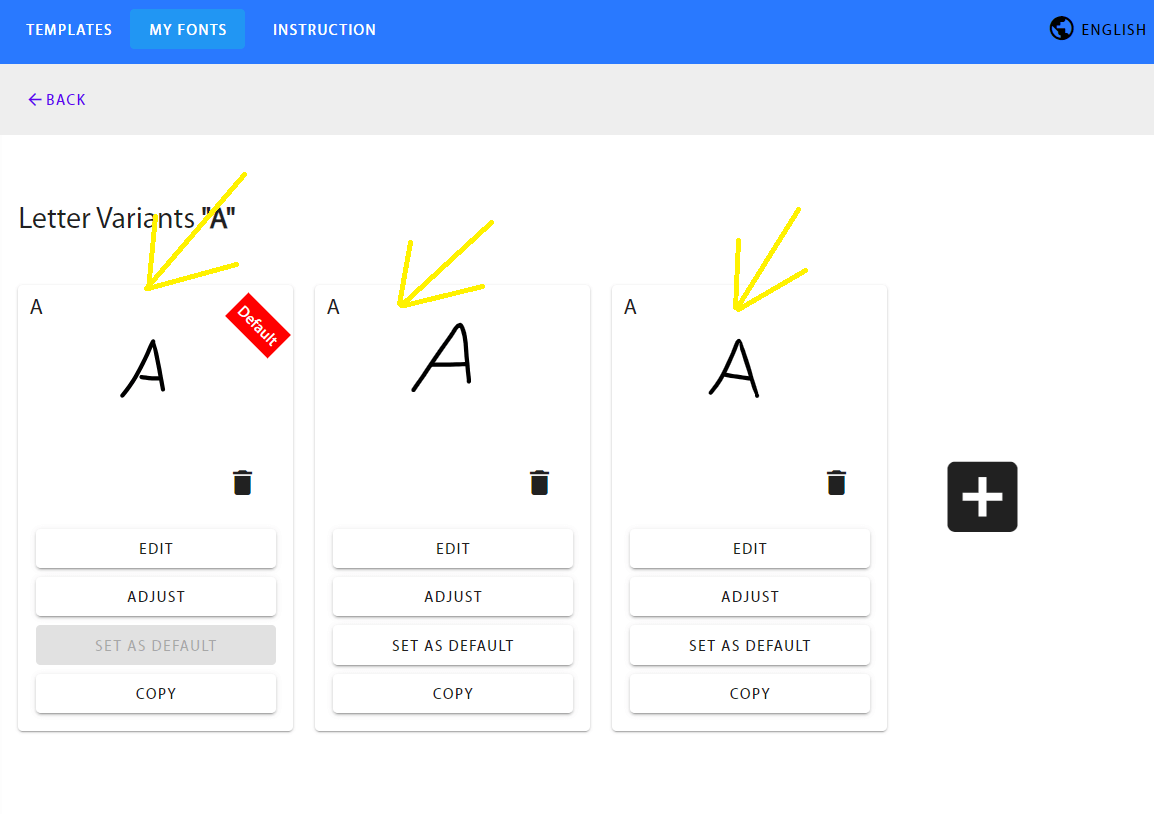
You should have several variations of letters
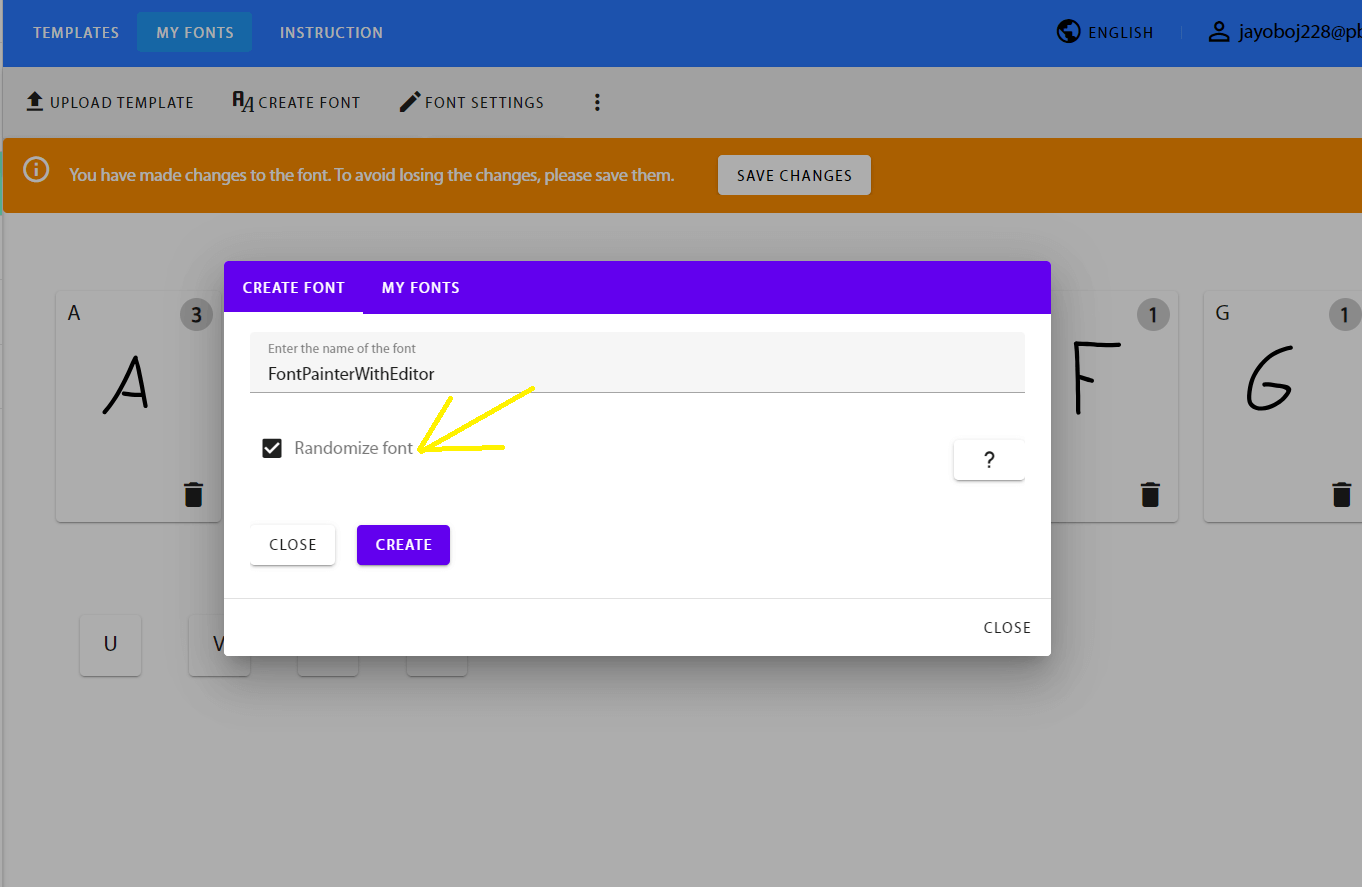
Afterward, click "Create Font" and check the "Add Letter Randomization" option
To make this work, you need to enable the function in the program where you plan to use the font